
Infobase Links (Credo Reference)
See a list of
Infobase Resources.
Build an Infobase (Credo Reference) permanent link:
- Navigate to the desired link.
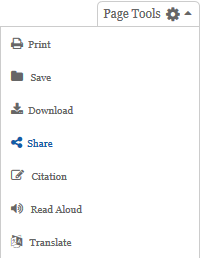
- Click on Share to the to the right of the resource record or in the right hand corner of the page.
- Click on Copy under the URL box.
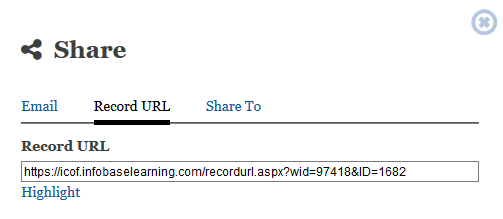
- Copy this link and use it as is.
- Do not try to add any proxy links to it or use it in the link generator.
- Note: The url cannot be taken from the top url bar in the browser now too. If unsure it is better to follow the instructions above.
Contact the eresource team  with any questions or issues.